说明书-安立 PIM Master B系列PIM分析仪
文件名:说明书-安立 PIM Master B系列PIM分析仪
格式:PDF
大小:2.82 MB
页数:168页
本站仅提供预览学习使用,请勿用于商业用途
内容介绍
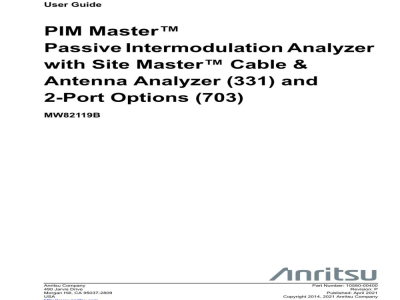
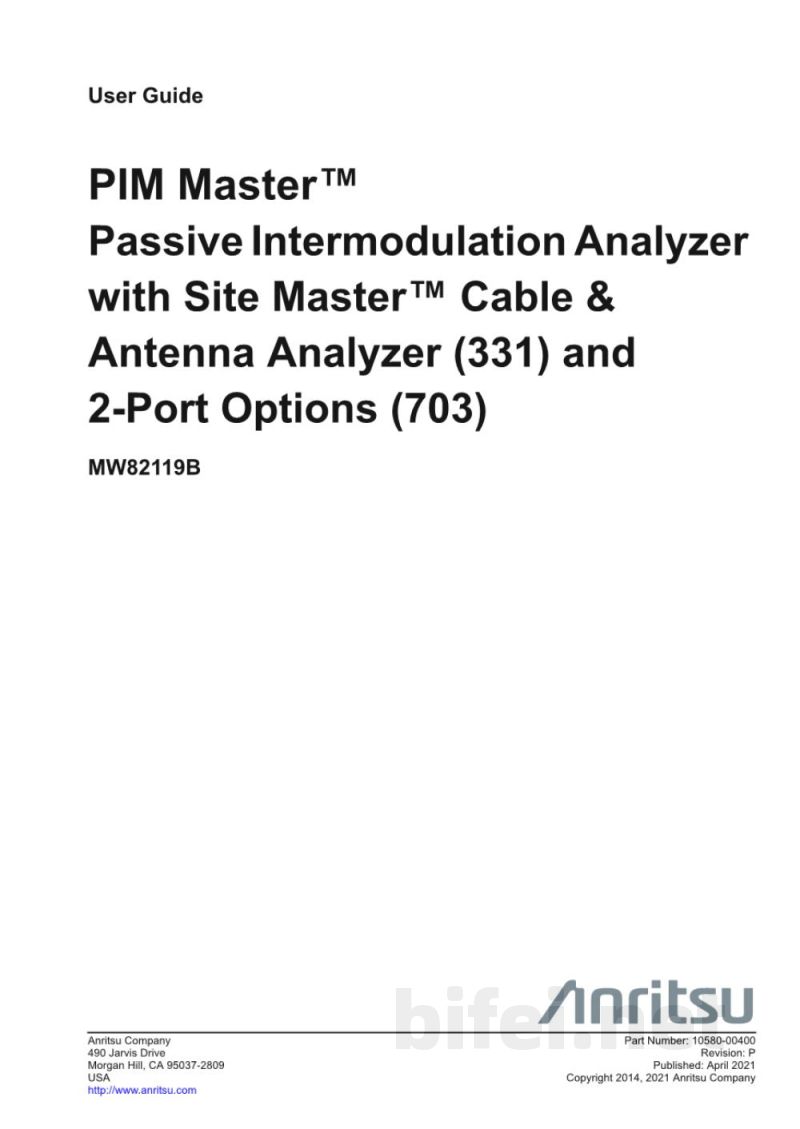
User Guide
PIM Master™
Passive Intermodulation Analyzer with Site Master™ Cable & Antenna Analyzer (Option 331) and 2-Port Options (703)
MW82119B
Anritsu Company
490 Jarvis Drive
Morgan Hill, CA 95037-2809 USA
http://anritsu.com
Part Number: 10580-00400
Revision: F
Published: April 2021
Copyright 2014–2021 Anritsu Company
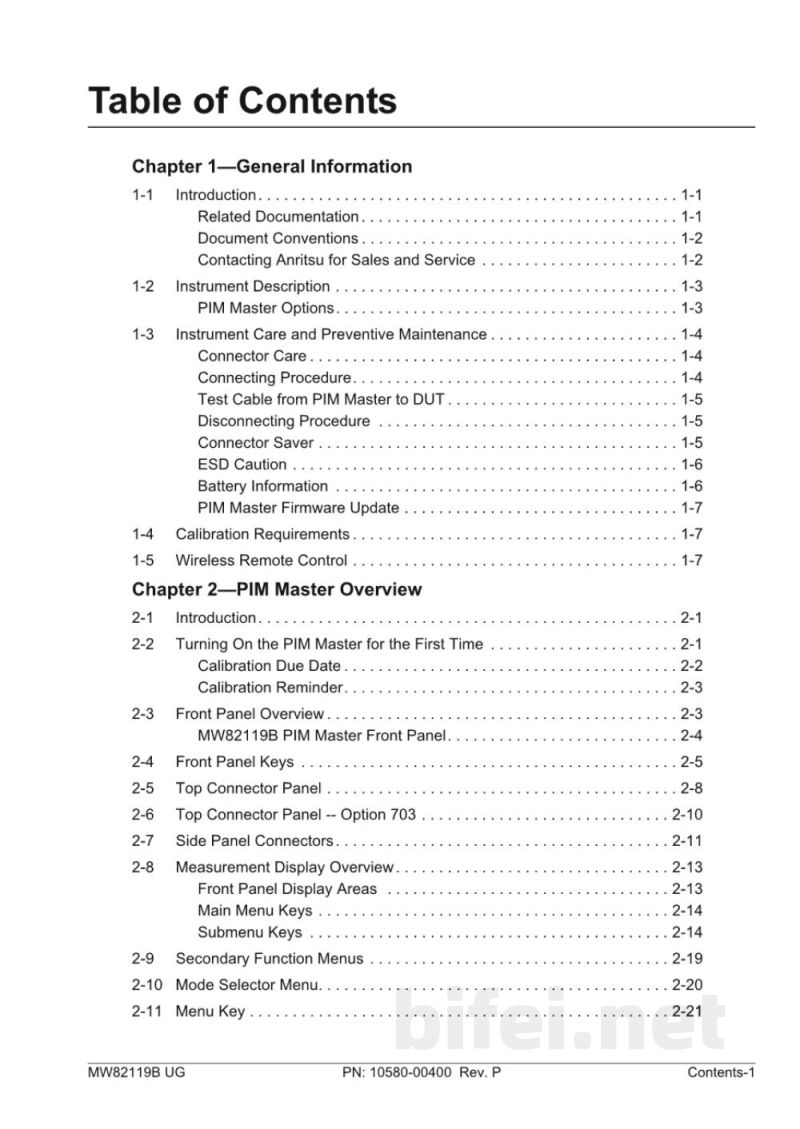
Table of Contents
Chapter 1 General Information
- Introduction
- Related Documentation
- Document Conventions
- Contacting Anritsu for Sales and Service
- Instrument Description
- PIM Master Options
- Instrument Care and Preventive Maintenance
- Connector Care
- Connecting Procedure
- Test Cable from PIM Master to DUT
- Disconnecting Procedure
- Connector Saver
- ESD Caution
- Battery Information
- PIM Master Firmware Update
- Calibration Requirements
- Wireless Remote Control
Chapter 2 PIM Master Overview
- Introduction
- Turning On the PIM Master for the First Time
- Calibration Due Date
- Calibration Reminder
- Front Panel Overview
- MW82119B PIM Master Front Panel
- Front Panel Keys
- Top Connector Panel
- Top Connector Panel (Option 703)
- Side Panel Connectors
- Measurement Display Overview
- Front Panel Display Areas
- Main Menu Keys
- Submenu Keys
- Secondary Function Menus
- Mode Selector Menu
- Menu Key
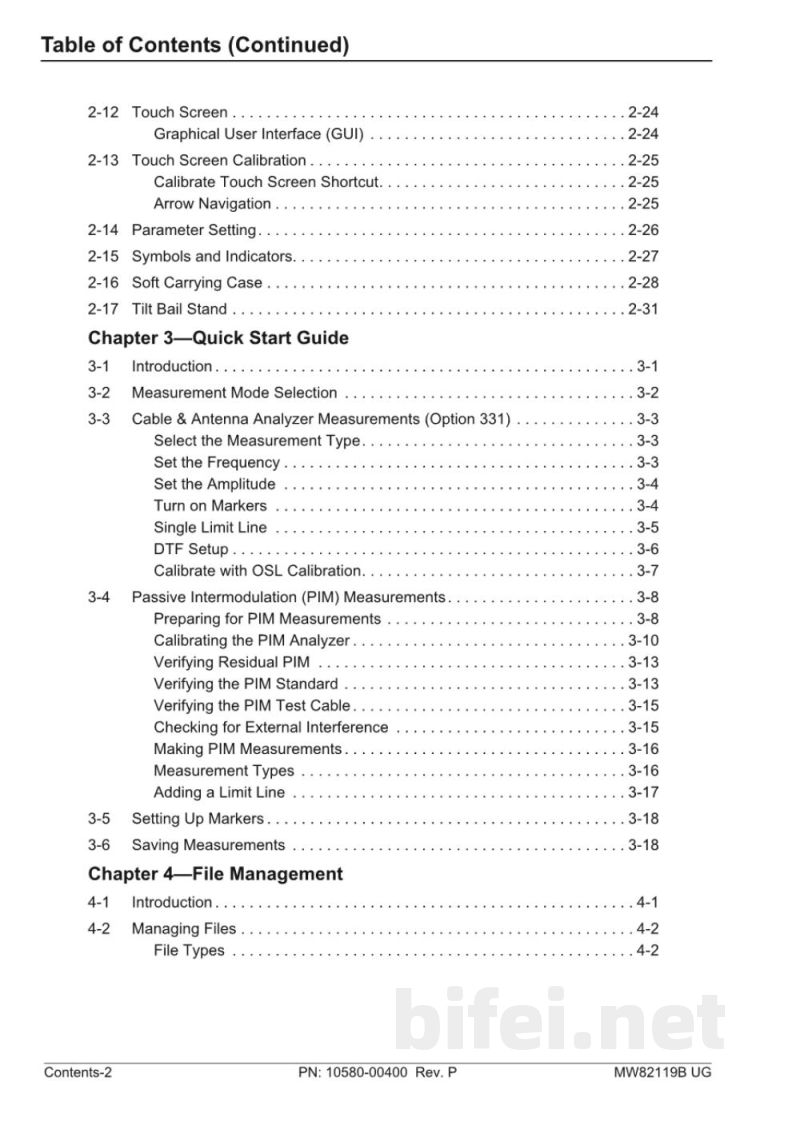
- Touch Screen and Graphical User Interface (GUI)
- Touch Screen Calibration
- Arrow Navigation
- Parameter Setting
- Symbols and Indicators
- Soft Carrying Case
- Tilt Bail Stand
Chapter 3 Quick Start Guide
- Introduction
- Measurement Mode Selection
- Cable & Antenna Analyzer Measurements (Option 331)
- Select the Measurement Type
- Set the Frequency
- Set the Amplitude
- Turn on Markers
- Single Limit Line
- DTF Setup
- Calibration with OSL Calibration
PIM Master™
Passive Intermodulation Analyzer with Site Master™ Cable & Antenna Analyzer (Option 331) and 2-Port Options (703)
MW82119B
Anritsu Company
490 Jarvis Drive
Morgan Hill, CA 95037-2809 USA
http://anritsu.com
Part Number: 10580-00400
Revision: F
Published: April 2021
Copyright 2014–2021 Anritsu Company
Table of Contents
Chapter 1 General Information
- Introduction
- Related Documentation
- Document Conventions
- Contacting Anritsu for Sales and Service
- Instrument Description
- PIM Master Options
- Instrument Care and Preventive Maintenance
- Connector Care
- Connecting Procedure
- Test Cable from PIM Master to DUT
- Disconnecting Procedure
- Connector Saver
- ESD Caution
- Battery Information
- PIM Master Firmware Update
- Calibration Requirements
- Wireless Remote Control
Chapter 2 PIM Master Overview
- Introduction
- Turning On the PIM Master for the First Time
- Calibration Due Date
- Calibration Reminder
- Front Panel Overview
- MW82119B PIM Master Front Panel
- Front Panel Keys
- Top Connector Panel
- Top Connector Panel (Option 703)
- Side Panel Connectors
- Measurement Display Overview
- Front Panel Display Areas
- Main Menu Keys
- Submenu Keys
- Secondary Function Menus
- Mode Selector Menu
- Menu Key
- Touch Screen and Graphical User Interface (GUI)
- Touch Screen Calibration
- Arrow Navigation
- Parameter Setting
- Symbols and Indicators
- Soft Carrying Case
- Tilt Bail Stand
Chapter 3 Quick Start Guide
- Introduction
- Measurement Mode Selection
- Cable & Antenna Analyzer Measurements (Option 331)
- Select the Measurement Type
- Set the Frequency
- Set the Amplitude
- Turn on Markers
- Single Limit Line
- DTF Setup
- Calibration with OSL Calibration
预览图片
第1页

第2页
第3页
第4页
第5页